Cheapest Fujifilm Camera with Film Simulation
As an Amazon Associate we earn from qualifying purchases. Some links in this guide are affiliate links, see our affiliate disclosure for details.
What is the cheapest Fujifilm camera with film simulations?
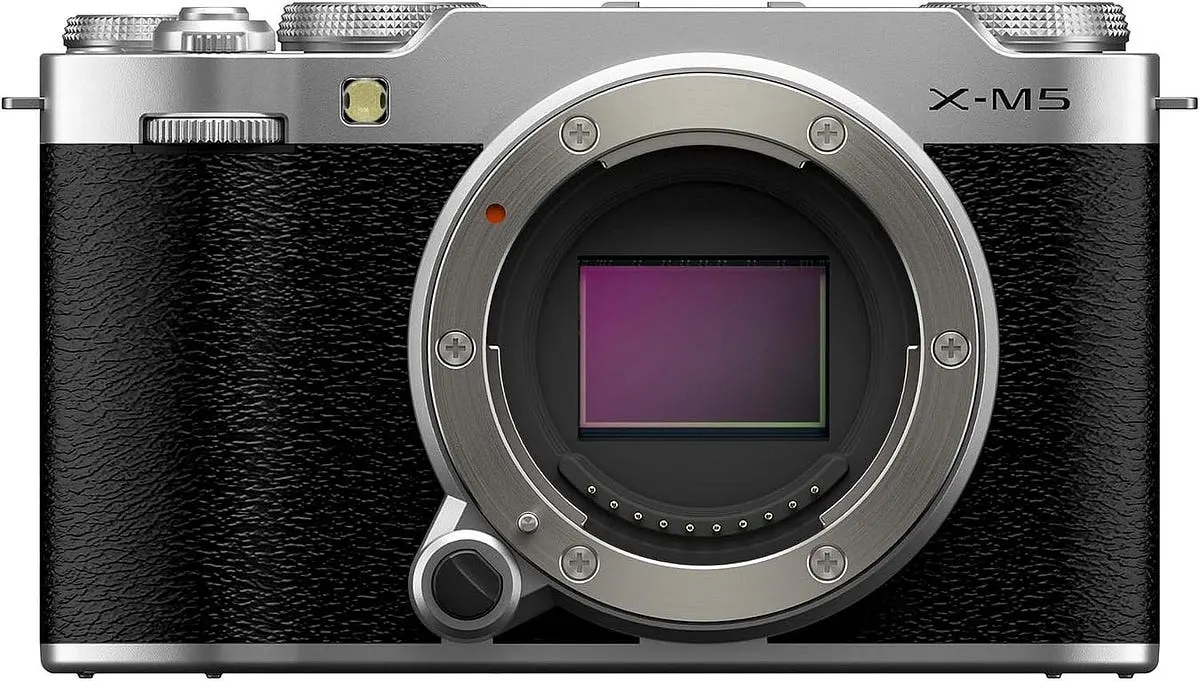
Among current interchangeable-lens bodies, the Fujifilm X-M5 is generally the lowest-priced model with Fujifilm's modern film simulations, at a launch price of about $799 body-only. The Fujifilm X-T30 II is an older but still capable step up that adds an electronic viewfinder, and its launch price was $899 body-only. Film simulations are built into every recent Fujifilm X-series body, so the choice mostly comes down to price, viewfinder, size and video needs. Prices change often, so check the current figure before buying.
What are film simulations?
Film simulations are colour and tone presets built into Fujifilm cameras. They are modelled on the look of the company's film stocks, such as Provia for neutral colour, Velvia for saturated landscapes and Classic Chrome for muted, documentary tones. They shape the JPEG straight out of the camera, so a photo can be shared without editing. RAW files are not affected, and a RAW converter can apply the same looks afterwards.
The sensor matters as much as the presets. Recent entry-level Fujifilm bodies use the 26-megapixel APS-C X-Trans CMOS 4 sensor, which is the basis of the colour rendering most buyers want, according to Wikipedia's entry on the Fujifilm X-T30 and its entry on the Fujifilm X-M5.
How do the two budget options compare?
| Fujifilm X-M5 | Fujifilm X-T30 II | |
|---|---|---|
| Launch price (body only) | About $799 | $899 |
| Sensor | 26 MP APS-C X-Trans CMOS 4 | 26 MP APS-C X-Trans CMOS 4 |
| Viewfinder | None | 0.39-inch, 2.36M-dot OLED |
| Weight with battery and card | About 355 g | About 383 g |
| Memory card | SD (UHS-I) | SD (UHS-I) |
| Battery | NP-W126S, USB rechargeable | NP-W126S |
Sources: Wikipedia on the Fujifilm X-M5 and Wikipedia on the Fujifilm X-T30. Launch prices are listed, not current prices.
Why consider the Fujifilm X-T30 II?
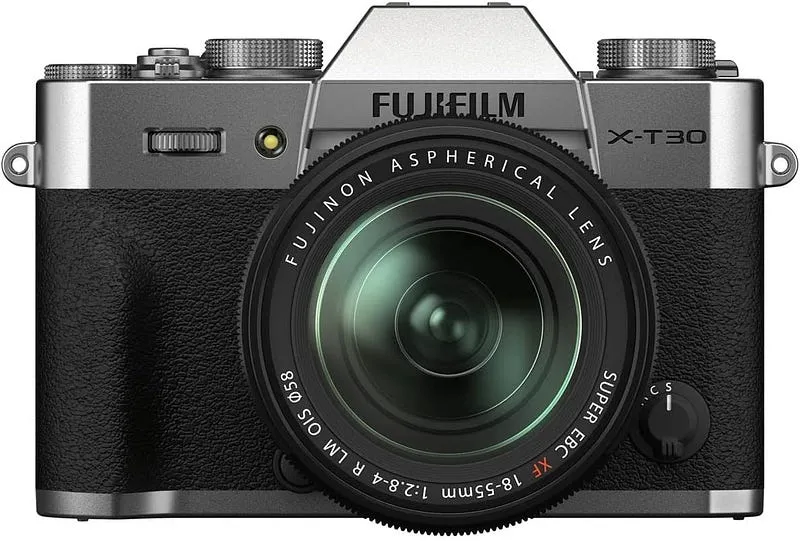
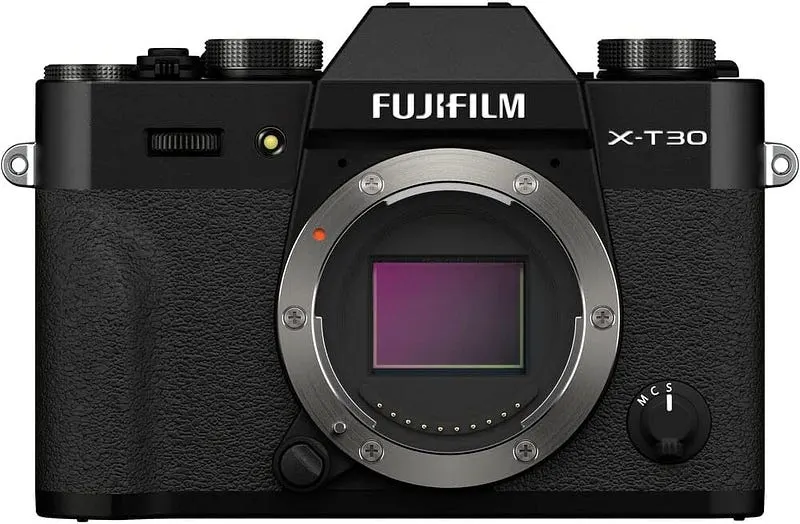
The Fujifilm X-T30 II keeps the compact X-T30 body and adds small firmware and screen improvements. It suits buyers who want film simulations with a real viewfinder at a moderate price.
- Electronic viewfinder. A viewfinder helps in bright light, when a rear screen is hard to read.
- Compact body. At about 383 g with battery and card, it is easy to carry all day.
- Familiar controls. Dials for shutter speed and exposure compensation keep common settings off the menus.
- Lens range. It uses the Fujifilm X mount, which has a wide choice of first-party and third-party lenses.
Two limits are worth knowing. The body has no in-body image stabilization, so slow shutter speeds need a steady hand or a stabilized lens. The viewfinder is also smaller than those on higher-priced Fujifilm bodies.
When is the Fujifilm X-M5 the better pick?
The X-M5 is the cheaper and lighter option. It drops the viewfinder, so it works best as a travel or everyday camera that is used with the rear screen. Choose it if size and price matter more than a viewfinder, or if vlogging and video are part of the plan. Buyers who shoot in bright sunlight or want to brace the camera against their face should lean towards the X-T30 II.
For more detail, see the Fujifilm X-M5 review and the comparison of the Fujifilm X-M5 and X100VI.
What else is worth checking before buying?
- Used prices. Older Fujifilm bodies often sell used for much less than the launch price, and film simulations come with them.
- Lens cost. The kit lens is a fair start, but a small prime lens makes a bigger difference to image quality than a new body does.
- Battery life. Small Fujifilm bodies use the NP-W126S battery, and a spare is cheap insurance for a day of shooting.
- Firmware. Fujifilm adds new film simulations and features to some bodies through firmware updates, so check the maker's page for the model.

Photo by Mark Olsen on Unsplash

Photo by Ilker Ozmen on Unsplash
Frequently asked questions
Do all Fujifilm cameras have film simulations? Film simulations appear across the X-series, but the number of presets differs by model and generation. Newer bodies tend to have more of them.
Is a cheaper Fujifilm camera worse at film simulations? The looks come from the same colour science, so a cheaper body can produce very similar results. Differences show up in autofocus, stabilization and controls rather than in the look itself.
Are film simulations useful if I shoot RAW? RAW files do not carry the simulation permanently, but most RAW converters can apply Fujifilm looks afterwards. Shooting RAW plus JPEG keeps both options open.
Does the X-T30 II shoot video? Yes. Sources list 4K recording for the camera, but check the specification page for frame rates and limits before relying on it for video work.
Camera & Lens Settings by Real-World Use Case
Match your focal length, aperture, shutter speed, and lighting modifier to the exact environment you shoot in.
Action Sports, Motorcycle Helmet, Snorkeling & Kayak Fishing
- Best Body:
- GoPro Hero 12 Black / DJI Osmo Action 5 Pro
- Ideal Lens:
- Ultra-Wide 155°–177° fixed f/2.8 with hydrophobic replaceable lens cover
- Aperture & Shutter:
- Fixed f/2.8 (pair with ND8/ND16/ND32 filters for realistic motion blur in moto-vlogs) · Auto (for max stabilization) or 1/120s with ND filter
- Room Distance:
- Chin-mount POV to 3m follow-cam
Tattoo Artists & Micro-Realism Portfolios
- Best Body:
- Sony Alpha a7 III / Fujifilm X-T4
- Ideal Lens:
- 90mm f/2.8 Macro (detail) or 50mm f/1.8 (sleeves & back pieces)
- Aperture & Shutter:
- f/5.6 – f/8 (keeps curved forearms and calves sharp edge-to-edge) · 1/125s – 1/200s handheld (or 1/60s on tripod)
- Room Distance:
- 0.4m – 1.5m (1.5 to 5 ft)
Barbershops, Hairstylists & Color Salons
- Best Body:
- Sony a7 IV / Canon EOS R6 Mark II
- Ideal Lens:
- 50mm f/1.8 (tight stations) or 85mm f/1.8 (spacious salons)
- Aperture & Shutter:
- f/1.8 – f/2.8 (blurs background chairs while keeping the lineup tack-sharp) · 1/160s – 1/250s (freezes subtle head movement in the chair)
- Room Distance:
- 1.5m – 2.4m (5 to 8 ft from the styling chair)
Written by
Marien CartelMarien Cartel runs Marien Cartel Photography, a camera and lens buying-guide site, and photographs the gear shown on it.
Related Guides
9 Best Cheapest Full Frame Cameras: (2026 Guide & Reviews)
Best Cheapest Full Frame Cameras: a side-by-side look at Panasonic Lumix S5, Sony A7 II and Nikon D750, with strengths, trade-offs and buying advice.
Best Fujifilm Cameras for Travel Adventures
Best Fujifilm Cameras for Travel Adventures: key features to compare, budget picks and clear advice on choosing well.
Best Fujifilm Cameras: (Guide & Reviews)
Best Fujifilm Cameras: a side-by-side look at Fujifilm X-T5, Fujifilm Instax Square SQ6 and Fujifilm X-H2, with strengths, trade-offs and buying advice.
Best Lenses for fujifilm X-M5: Top Optics by Budget & Use Case
Best Lenses for fujifilm X-M5: Fujifilm XF 27mm f/2.8 R and Fujifilm XF 18–55mm f/2.8–4 R compared on features, price and who each one suits.
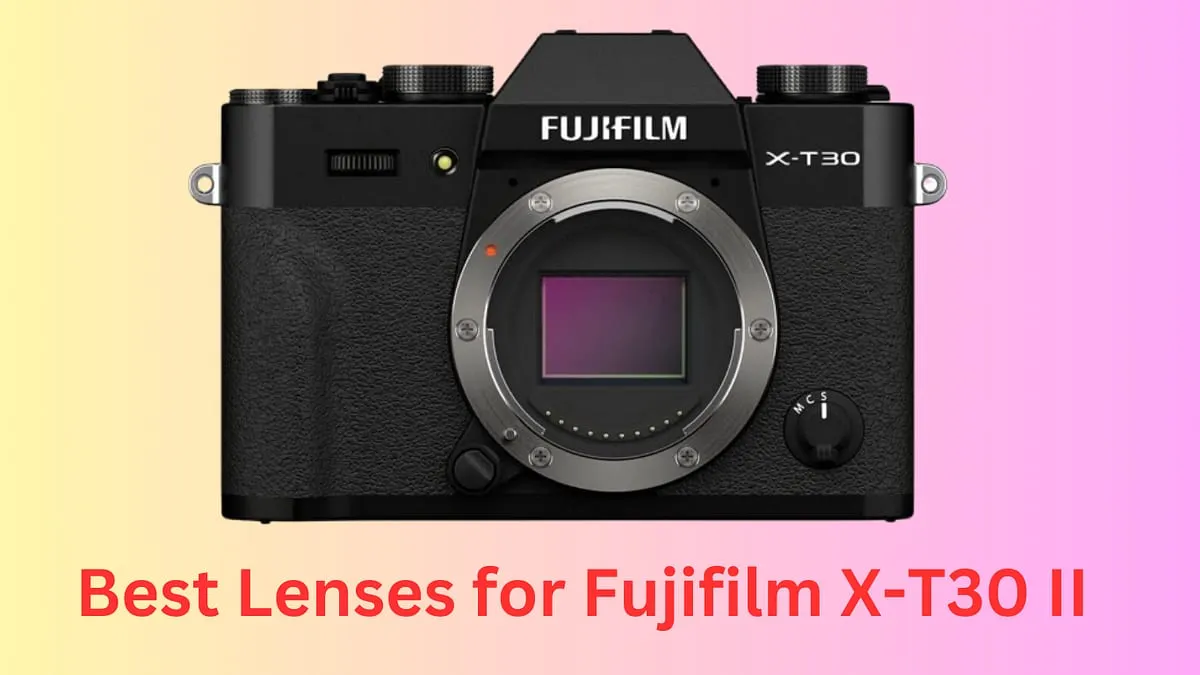
Best Lenses for Fujifilm X-T30 II
Best Lenses for Fujifilm X-T30 II: what to look for, what to skip and how to choose the right one for your budget.
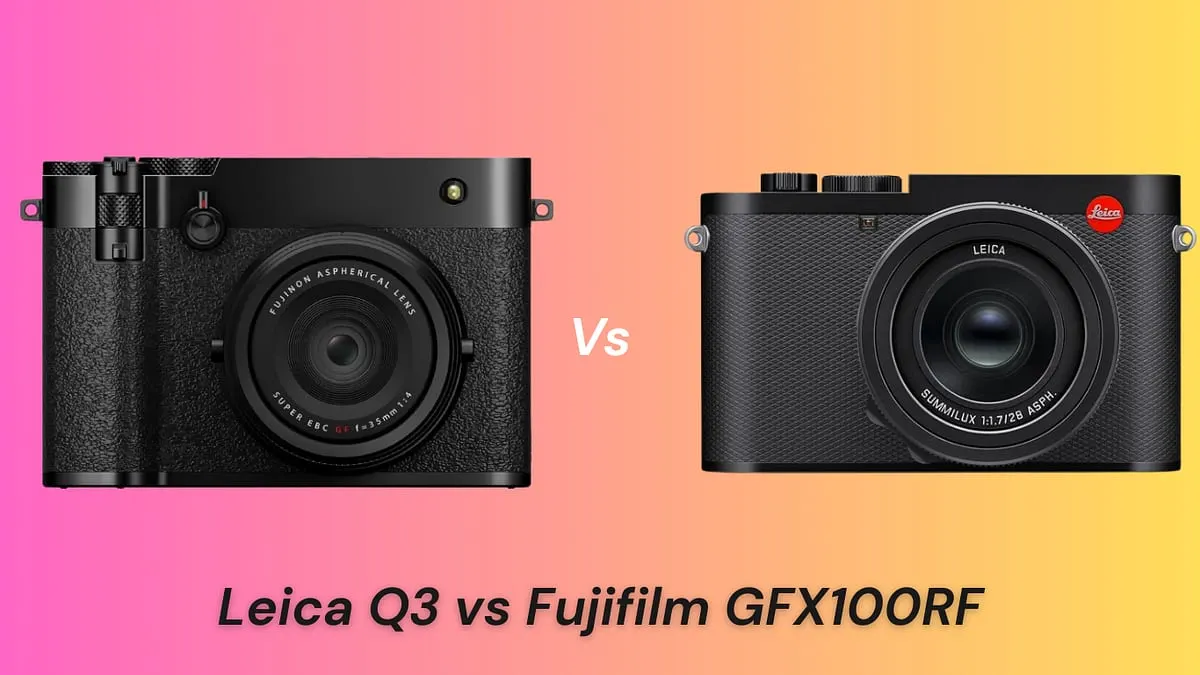
Leica Q3 vs Fujifilm GFX100RF: Field Setup & Key Specs
Compare the 60MP full-frame Leica Q3 (28mm f/1.7 Summilux) vs the 102MP medium-format Fujifilm GFX100RF across leaf-shutter portability, crop modes, and optics.