Best Camera for Stop Motion Animation 2026: Phone to DSLR
As an Amazon Associate we earn from qualifying purchases. Some links in this guide are affiliate links, see our affiliate disclosure for details.
Stop-motion animation brings objects to life one frame at a time, which makes the camera choice different from ordinary photography. You want a camera that stays fixed in place, gives you full manual control so every frame is exposed the same, and shows a live view on a bigger screen.
This guide covers the options from a smartphone to a DSLR or mirrorless body. The table gives the short version, and the sections below explain what to look for.
Quick verdict
| Your situation | Pick | Why |
|---|---|---|
| Starting out for free | A smartphone | Easy and portable, and apps like Stop Motion Studio can offer camera control |
| An affordable first camera | A webcam such as the Logitech Brio | Decent image quality and some manual controls |
| A serious, repeatable setup | A DSLR or mirrorless camera | Full manual control, a wide range of lenses and tethering to a computer |
| A balanced mid-range choice | Canon EOS 80D | Live View, tethering and Dragonframe compatibility at a sensible price |
The Quest for the Perfect Camera
Stop-motion animation has some unique requirements, so the most expensive DSLR is not automatically the best choice. Here is what to consider:
Key Camera Features for Stop-Motion
- Image Quality: Resolution and clarity are crucial. You’ll want a camera that captures sharp, detailed images, even when magnified.
- Manual Control: The ability to adjust focus, aperture, shutter speed, and ISO is essential for consistent exposure and creative control.
- Live View: This feature allows you to see your shot on a larger screen (like a computer monitor) as you’re animating, making it much easier to fine-tune your movements.
- Tethering Capability: The ability to connect your camera to a computer and control it with specialized software (like Dragonframe) is a game-changer for professional stop-motion.
- Durability: Let’s face it, stop-motion can be a bit of a workout for your equipment. You’ll want a camera that can withstand the rigors of repeated use.
Camera Recommendations**
Based on research, here are some of the best cameras for stop-motion animation:
- Smartphones: In recent years, smartphones have made significant strides in camera technology. They’re a great entry point for beginners due to their ease of use and portability. Apps like Stop Motion Studio can even provide camera control.
- Webcams: An affordable option for those starting out. Webcams like the Logitech Brio offer decent image quality and some manual controls.
- DSLRs and Mirrorless Cameras: These are the workhorses of the stop-motion world. They offer exceptional image quality, a wide range of lenses, and full manual control. Some popular choices include:
- Canon EOS Series: Known for their compatibility with Dragonframe and excellent image quality.
- Nikon Z Series: Offers robust features and great performance.
- Sony Alpha Series: Renowned for their high resolution and advanced features.
- Fujifilm X Series: Compact and lightweight, with excellent color reproduction.
A Balanced Mid-Range Pick
A Canon EOS 80D paired with a few quality lenses strikes a good balance between image quality, features and price. Its Live View, tethering capabilities and compatibility with Dragonframe suit stop-motion workflows.
Beyond the Camera: Other Essential Gear
Of course, a good camera is just one piece of the puzzle. To truly elevate your stop-motion game, you’ll also need:
- A sturdy tripod: Essential for keeping your shots rock-steady.
- Good lighting: Consistent and controllable lighting is key to achieving a professional look.
- Animation software: Dragonframe is the industry standard, but there are other options available, including some free ones.
- A computer: For capturing frames, controlling the camera, and editing your animation.
Advice for Aspiring Animators
If you’re just starting out with stop-motion, don’t feel like you need to break the bank on a fancy camera right away. Start with what you have (even a smartphone can work!) and focus on mastering the fundamentals of animation: timing, movement, and storytelling. As your skills progress, you can always upgrade your equipment.
The most important thing is to have fun and keep creating! There’s nothing quite like the magic of bringing your imagination to life, one frame at a time.
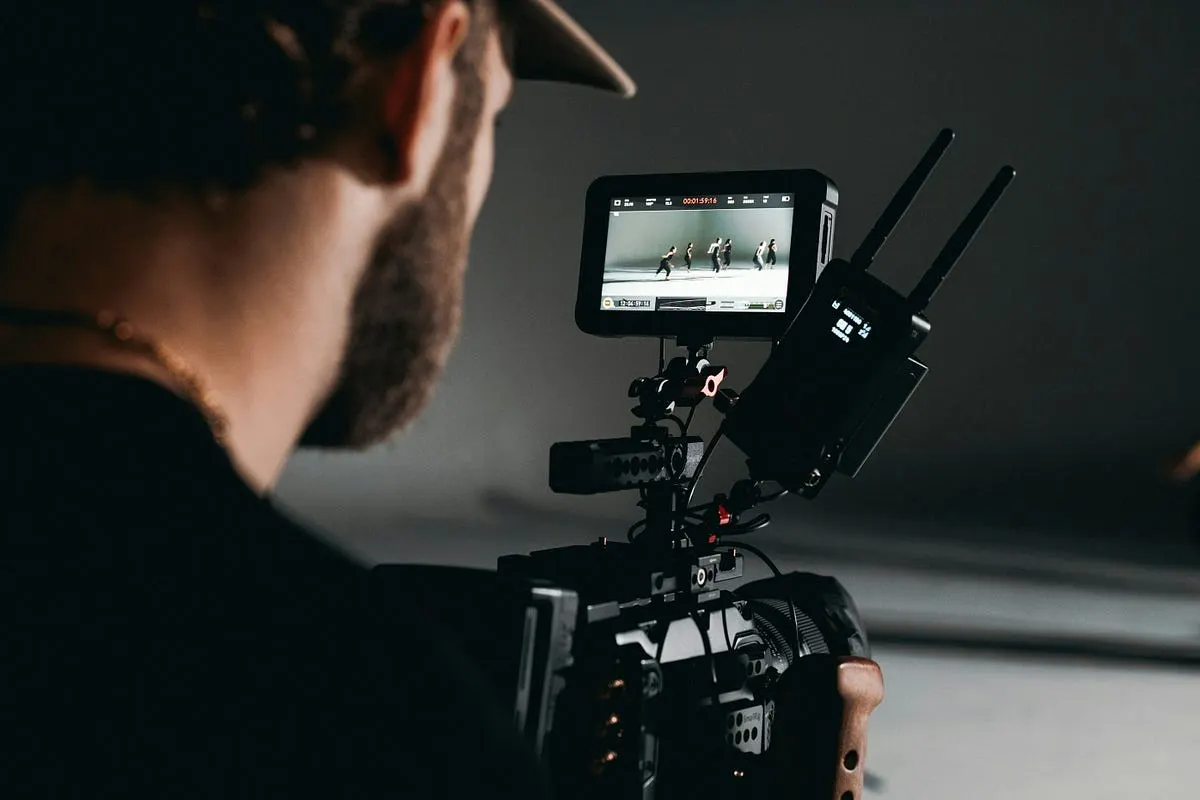
Photo by Afif Ramdhasuma on Unsplash
Photo by Roman Synkevych on Unsplash
Continue reading: Urban Photography Setup, Best Light Meter for Photography, or use the exposure triangle tool.
Common Buying & Setup Questions
What is the top pick in Best Camera for Stop Motion Animation 2026?
The Quick verdict (High-Resolution Optics & Fast AF, Canon EF / EF-S DSLR) leads our shortlist as the top overall pick, followed closely by the A Balanced Mid-Range Pick (High-Resolution Optics & Fast AF).
What focal length, aperture, and shutter speed work best for youtube talking-head, podcasting & desk streaming?
For youtube talking-head, podcasting & desk streaming, pair a 24mm – 35mm full-frame equivalent (16mm–23mm on APS-C) lens at f/1.4 – f/2.0 (separates speaker from a close desk wall within 4 feet) with a shutter speed of 1/50s (for 24fps) or 1/60s (for 30fps) — 180-degree shutter rule and a working distance of 0.8m – 1.4m (2.5 to 4.5 ft desk arm mount). Recommended setup: Elgato Cam Link 4K or USB-C UVC + dummy battery AC adapter + 45° key softbox + dynamic XLR podcast mic..
Camera & Lens Settings by Real-World Use Case
Match your focal length, aperture, shutter speed, and lighting modifier to the exact environment you shoot in.
YouTube Talking-Head, Podcasting & Desk Streaming
- Best Body:
- Sony ZV-E10 II / Sony a6700 / Canon EOS R50
- Ideal Lens:
- Sigma 16mm f/1.4 DC DN (APS-C) or 24mm f/1.8 (Full Frame)
- Aperture & Shutter:
- f/1.4 – f/2.0 (separates speaker from a close desk wall within 4 feet) · 1/50s (for 24fps) or 1/60s (for 30fps) — 180-degree shutter rule
- Room Distance:
- 0.8m – 1.4m (2.5 to 4.5 ft desk arm mount)
Overhead Top-Down Videos (Cooking, Crafts, Art & Unboxings)
- Best Body:
- Sony ZV-E10 II / Sony a6400 / Canon EOS R50
- Ideal Lens:
- Sigma 18–50mm f/2.8 DC DN or Sony E 15mm f/1.4 G / 24mm f/2.8
- Aperture & Shutter:
- f/4 – f/5.6 (deep enough that hands lifting objects off the table stay in focus) · 1/60s (30p) or 1/120s (60p for smooth hand movements)
- Room Distance:
- 0.7m – 1.1m directly above the tabletop
Gym Workouts, Fitness Coaching & Athletic Reels
- Best Body:
- Sony ZV-1 / Panasonic Lumix GH5 & GH7 / Sony a7 III
- Ideal Lens:
- 24mm–35mm f/1.8 or 16–35mm f/2.8 Zoom
- Aperture & Shutter:
- f/1.8 – f/2.8 (isolates athlete from crowded gym equipment) · 1/120s (for 4K 60fps slow-motion) or 1/60s (for 30fps)
- Room Distance:
- 1.5m – 3.0m (5 to 10 ft on a compact floor tripod or magnetic mount)
Written by
Marien CartelMarien Cartel runs Marien Cartel Photography, a camera and lens buying-guide site, and photographs the gear shown on it.
Related Guides
7 Best DSLR Camera for Low Light Video: (Guide & Reviews)
Comparing Nikon D780, Canon EOS 90D and Nikon D500 for DSLR Camera for Low Light Video — sensor specs, autofocus, pricing, and which option fits your budget.
7 Best Sony Camera for Wedding Videography: (2026 Guide & Reviews)
Best Sony Camera for Wedding Videography: a side-by-side look at Sony A1, Sony a7 IV and Sony A7S III, with strengths, trade-offs and buying advice.
Best Camera for YouTube Beginners (2026): 5 Picks by Budget
Webcam, Panasonic G7, Sony a6400, a7 III or Canon R6 for starting a YouTube channel? A quick verdict by budget, plus why audio and lighting come first.
Best Camera for Walking Videos (2026): Hero13 vs Osmo Pocket 3
GoPro Hero13 Black, DJI Osmo Pocket 3 or Sony ZV-1 II for walking videos? A quick verdict by terrain, stabilization and whether you talk to the camera.
Best DSLR for Video: Top Picks & Sensor Comparison
Best DSLR for Video — Canon EOS R6 Mark II, Sony A7S III and Panasonic Lumix GH6 compared, with pros, cons and who should buy which.
Top 7 Best Cameras for Gym Videos (2026): GH5, GH7, ZV-1 & More
Seven cameras for filming workouts compared on stabilization, flip-out screens and low-light autofocus: Panasonic GH5 and GH7, Sony ZV-1, GoPro Hero.